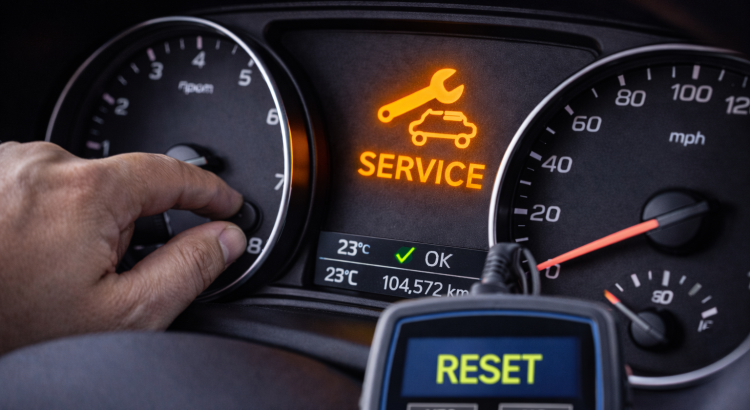
After an oil change or maintenance, the maintenance light (also known as the service light) may remain illuminated on the dashboard. It is then necessary to manually reset it to clear the alert.
Here is a complete guide to understand its function and how to perform the reset according to your vehicle.
What is the purpose of the maintenance light?
The maintenance light is a reminder programmed by the manufacturer. It lights up after a certain mileage or a defined period to indicate that maintenance is needed.
It does not signal a failure, but rather a maintenance reminder.
Can you drive with the maintenance light on?
Yes, in most cases. However, it is recommended to perform the maintenance quickly to preserve engine reliability.
How to reset the maintenance light?
General Method (Most Common)
- Turn off the ignition
- Press and hold the trip reset button
- Turn on the ignition without starting the engine
- Wait for the reset message to appear
- Release the button when the light goes out
Via the On-Board Computer
On newer vehicles:
- Access the maintenance menu via the steering wheel controls
- Select “Maintenance” or “Service”
- Choose “Reset”
- Confirm the operation
With an OBD Tool
An OBD reader allows you to reset maintenance intervals via the ECU. This method is useful when the manual procedure does not work.
Why won’t the maintenance light turn off?
- Incorrect procedure
- Maintenance not validated in the ECU
- Recorded fault preventing the reset
Is it necessary to go to a garage?
No. Most vehicles allow for a manual reset. However, on some newer models, a diagnostic tool may be required.
Frequently Asked Questions
Does resetting clear faults?
No. It only clears the maintenance reminder.
Can you reset without having done the oil change?
Technically yes, but it is not recommended.
Key Takeaway
Resetting the maintenance light is a simple procedure in most cases. It allows you to clear the alert after maintenance has been performed and start a new maintenance cycle.